Deploy vSphere with Tanzu using vSphere Networking with the NSX Advanced Load Balancer
In my previous post we covered how to deploy the NSX Advanced Load Balancer for use with vSphere with Tanzu. This post will go over the vSphere with Tanzu configuration to use that NSX Advanced Load Balancer
Pre-Requisites
- Complete the prerequisites for enabling Workload Management
- Deploy and Configure the NSX Advanced Load Balancer
Enable Workload Management
Navigate to Workload Management from the Menu and select Get Started
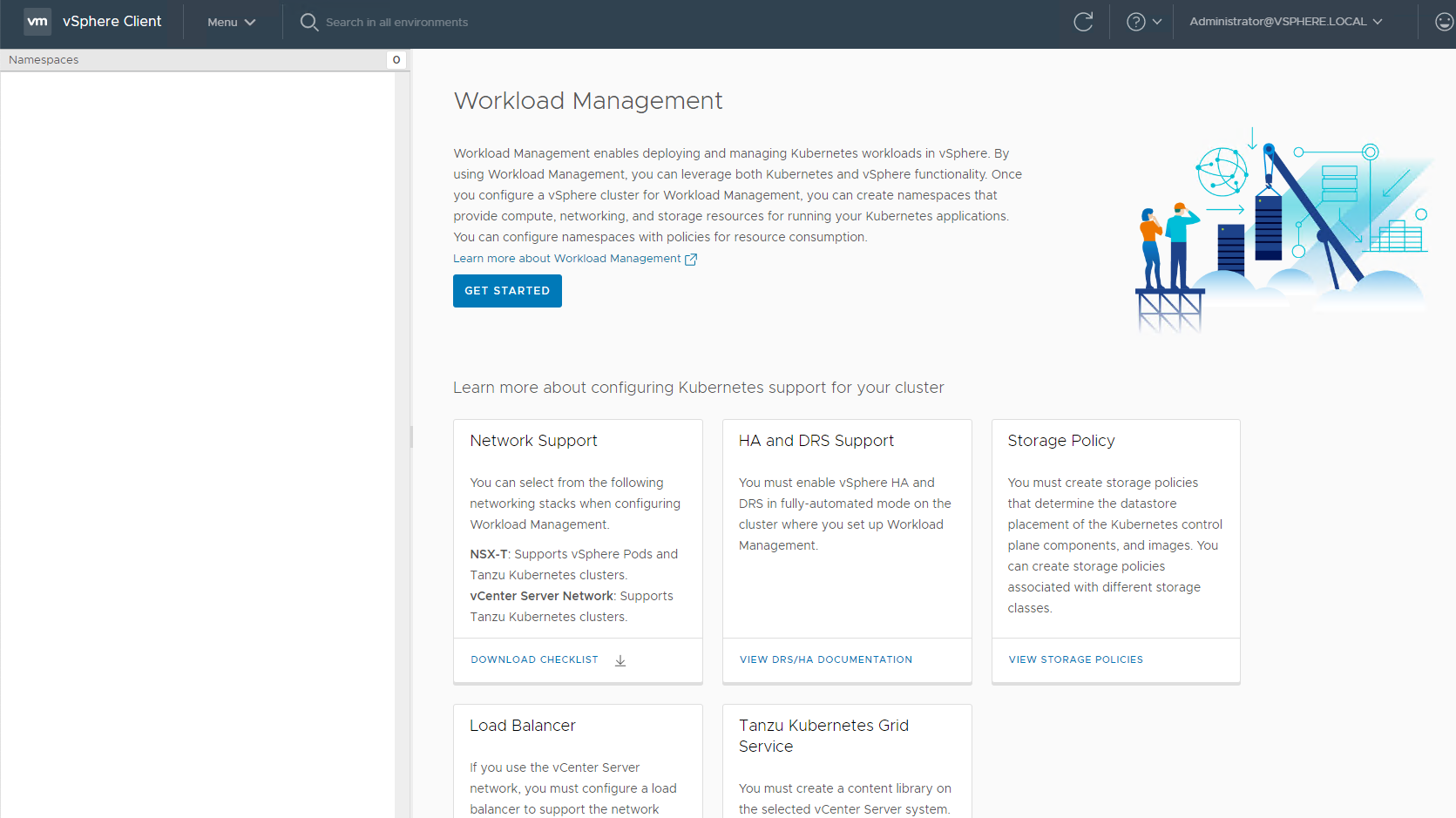
Select vCenter Server Network and Click Next

Select the Cluster you wish to enable for Workload Management

Select the Control Plane Size

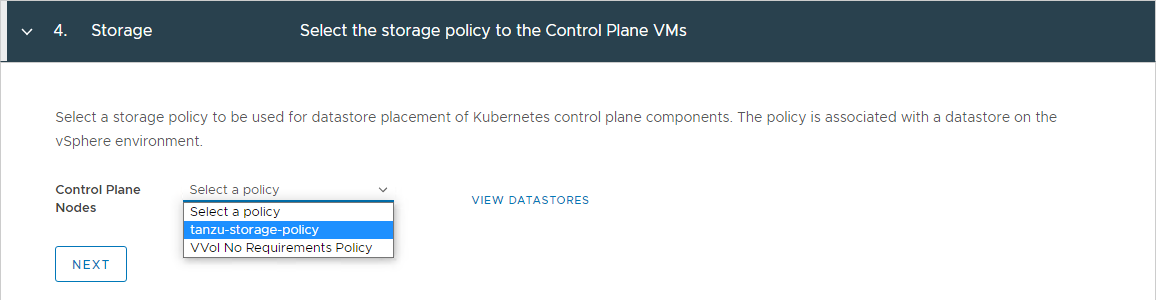
Select the Storage Policy for the Control Plane VMs
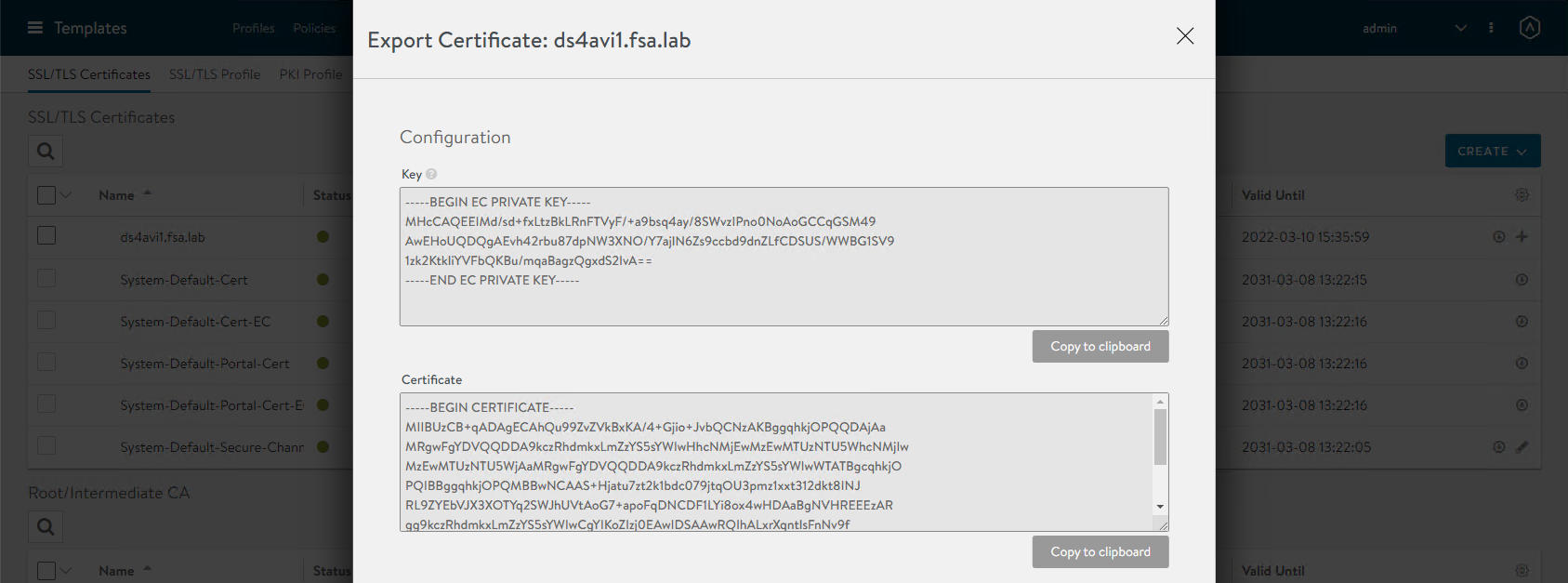
Obtain the Server Certificate Authority from the Avi Controller. Login to the Avi Management Interface and head to Templates -> Security –> SSL/TLS Certificates. Find your Certificate and selecft the Download/Arrow icon. Copy the Certificate to the clipboard for the next step
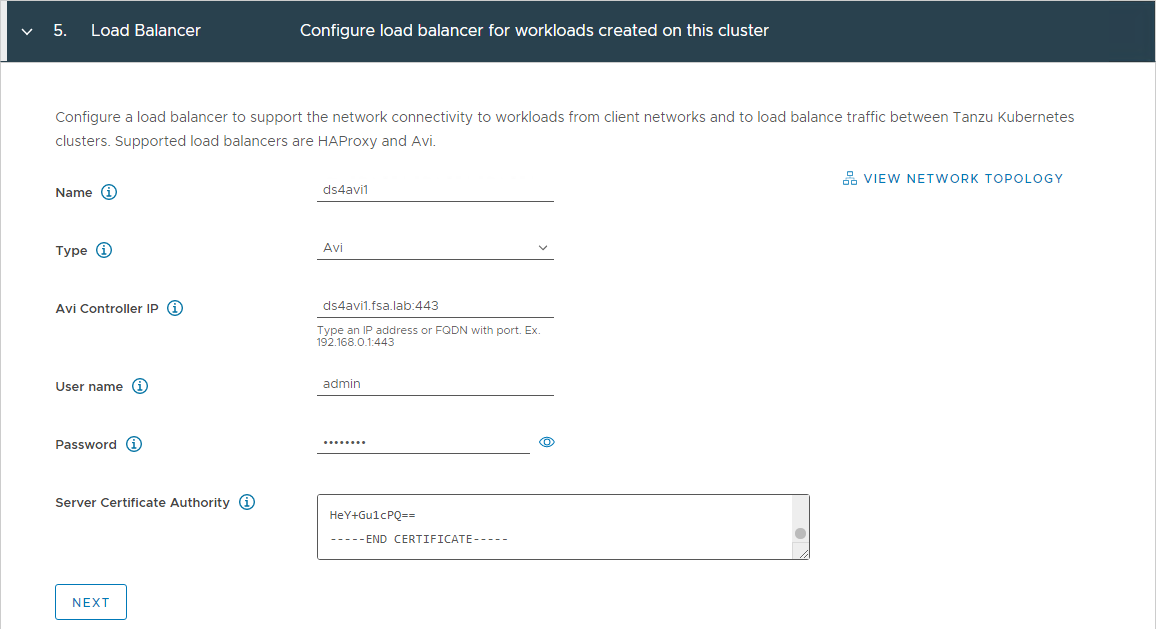
Fill in the details as seen in the screenshot below. Type should be Avi and for the Avi Controller IP use the FQDN/IP:443. Enter in the administrator username and password and paste in the Server Certificate Authority
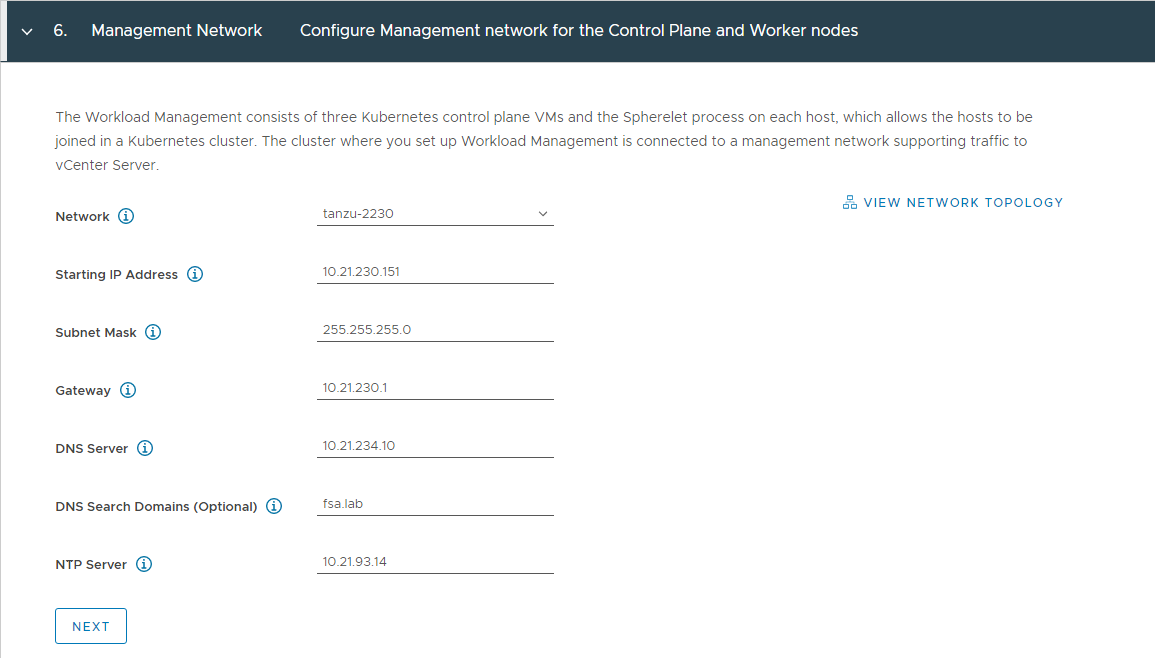
Enter in the network details for your management network
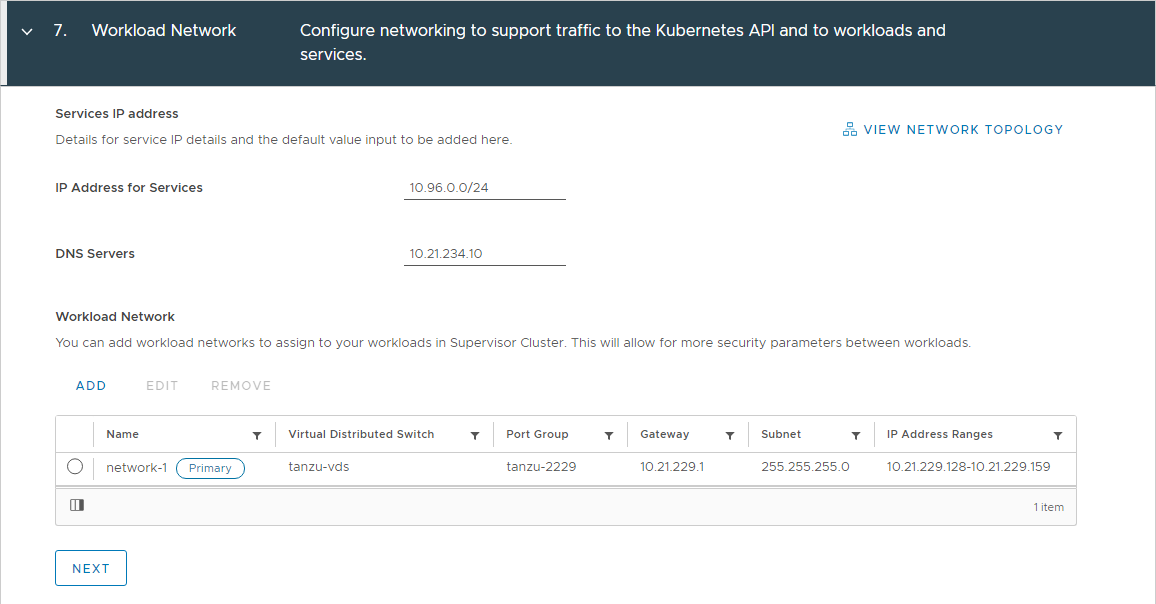
Enter in the network details for your workload network
Make sure this network does not overlap with your management network or load balancer network
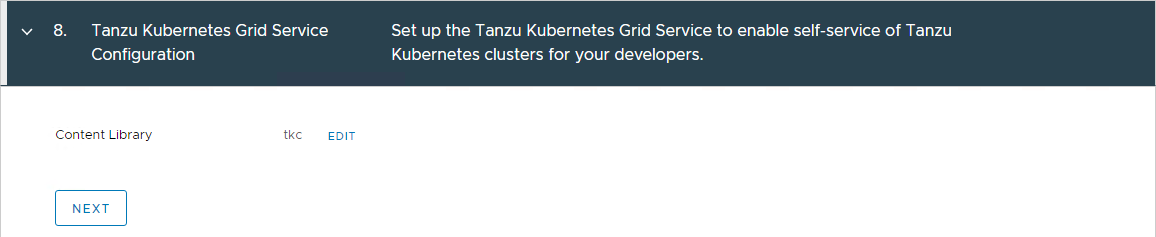
Select the Content Library that holds your Tanzu Kubernetes Grid images
Review the configuration details and click Finish to start enabling **Workload Management
Validating Workload Management
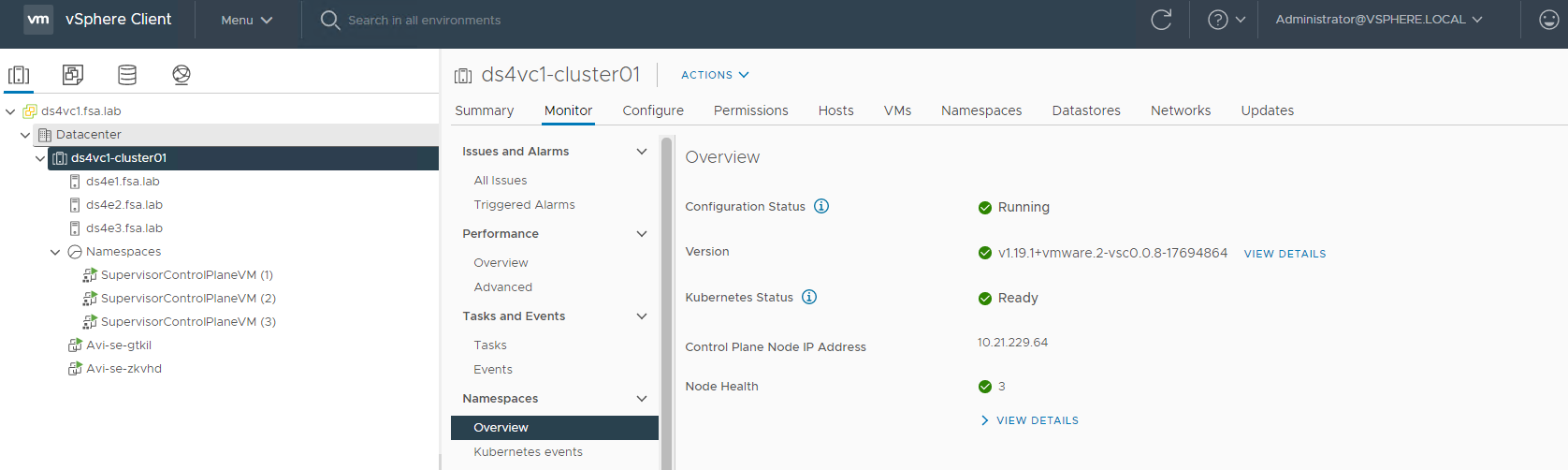
Once Workload Management is complete you should see Configuration Status as Running and Kubernetes Status as Ready
The Avi Controller will automatically deploy the Service Engines for the LB Services, you can log on to the AVI Controller and look at the status under the Applications tab.
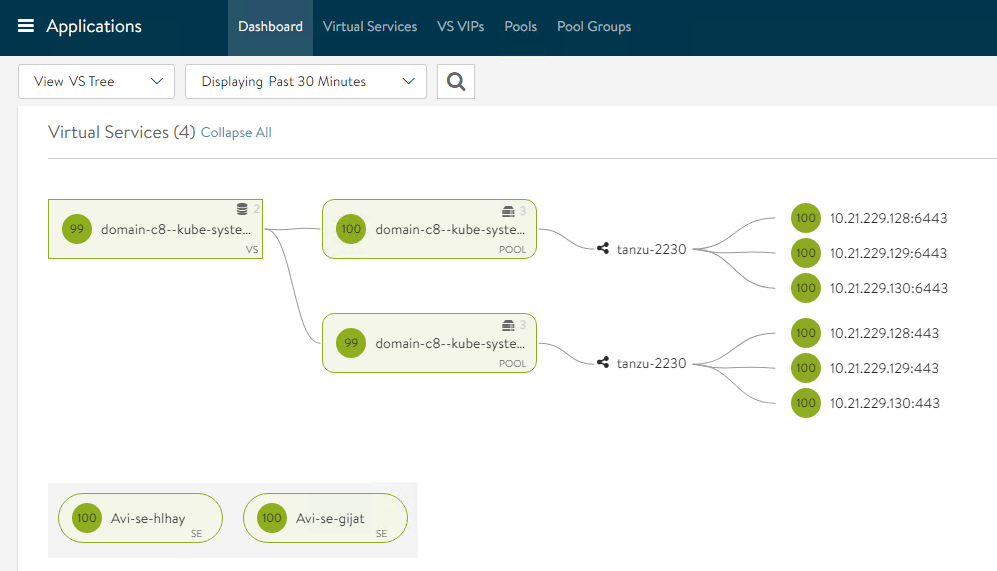
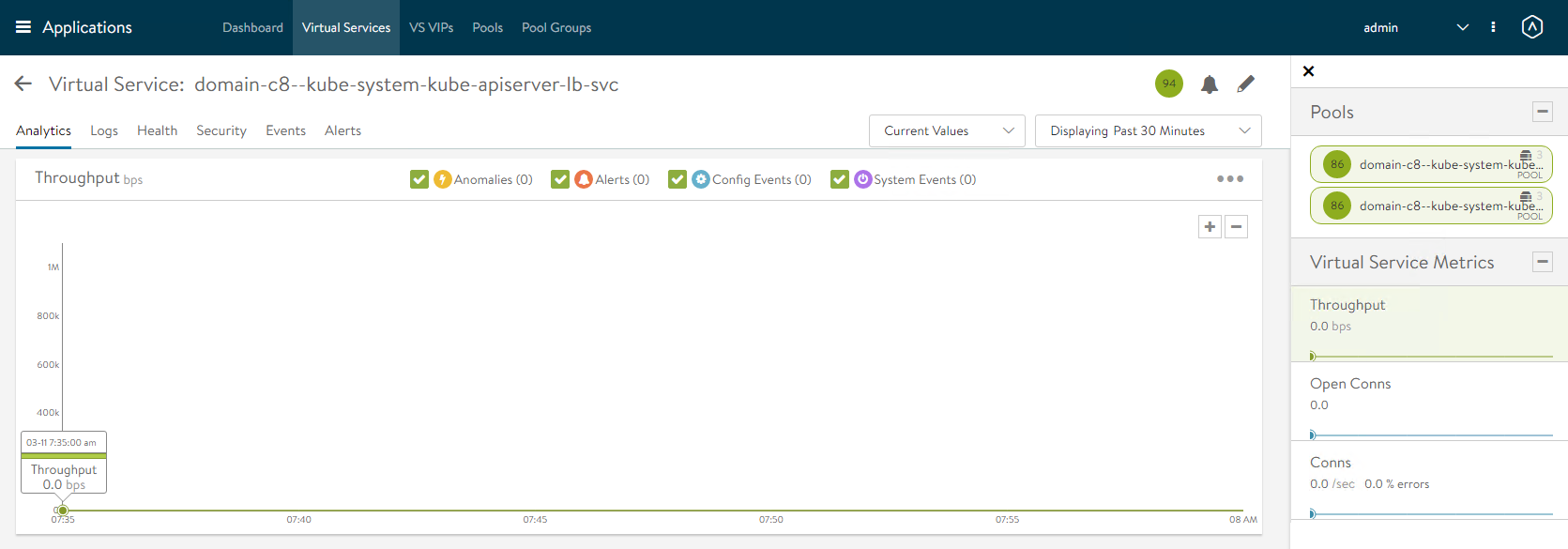
From here you can see the health of the Virtual Service, Pool and Backend Servers. Diving into the ** Virtual Service** allows you to see even more statistics
Conclusion
And there you go, you have now deployed vSphere with Tanzu using the NSX Advanced Load Balancer aka AVI. NSX ALB provides lots of great insight into whats happening on virtual services and im glad to see this addition to the portfolio.
If you have any additional questions or comments, please leave them below!
comments powered by DisqusSee Also
- Deploy and Configure the NSX Advanced Load Balancer for vSphere with Tanzu
- Part 6: Deploying vSphere with Kubernetes - Provisioning and Managing a Tanzu Kubernetes Cluster
- Part 5: Deploying vSphere with Kubernetes - Using vSphere with Kubernetes
- Part 4: Deploying vSphere with Kubernetes - Enabling vSphere with Kubernetes
- Part 3: Deploying vSphere with Kubernetes - Deploy and Configure NSX-T